deploy as code · durable DBOS workflows
Your deployment process, under control.#
Define what to release. Control how it reaches production.
Manent is an open-source deployment engine that coordinates durable workflows, artifact verification, progressive rollouts and release governance across VMs, Kubernetes and cloud platforms.
$ manent deploy -f release.yml
deploy enqueued: 7c0e… (manent logs -f 7c0e…)
$ manent logs -f 7c0e…
14:03:10 INFO  [secrets]    secrets verified
14:03:12 INFO  [artifacts]  sha256=2d27fbdf… verified
14:03:12 INFO  [qa]         QA passed
14:03:15 INFO  [deploy]     release 1.4.0 activated on 3 targets
14:03:15 INFO  [activation] live
✔ SUCCESS myapp/prod 1.4.0 kind=promotionA deploy is described in a declarative file, the descriptor. The manent client reads it as YAML and sends it to the manent-server API, which queues it; a worker runs it as a durable DBOS workflow.
apiVersion: manent/v1
application: myapp
environment: test
artifact:
  type: application
  name: myapp
  version: 1.2.3
  source: https://artifacts.example.com/myapp/myapp-1.2.3.tar.gz
What it offers#
-
Durable workflows
Every step is recorded by DBOS: if a worker stops, the deploy resumes from the last completed step and never runs twice what has already been done.
-
Configurable pipeline
Secrets, artifacts, QA, deploy, post-deploy tests and activation. Mandatory steps cannot be skipped; optional ones are enabled from the descriptor.
-
Deploy plugins
The actual deploy is delegated to plugins: remote-copy for files over SSH, container for Docker and Podman on VMs, kubernetes for clusters, ecs, lambda, cloudrun, appservice and containerapps for managed cloud services on AWS, Google Cloud and Azure, jboss for JBoss EAP and WildFly, windows for IIS, Windows services, scheduled tasks and MSI packages. You can write new ones, also as separate binaries over gRPC.
-
Web interface
Deploys, waves and logs live, approvals, inventory with promotions and rollbacks, freezes and DORA metrics, with the permissions of the API. Built into the server, accessible, in English and Italian.
-
Per-environment configuration
Targets, plugins and parameters of each environment can live in Consul. The descriptor only says what to release.
-
Scheduling
Deploys at a specific time or recurring (cron), on the same queue and with the same concurrency limits as immediate deploys.
-
Dry-run and callbacks
Simulate a deploy by checking secrets, artifact and targets without changing them. Report the outcome of every step to external HTTP endpoints.
-
Security and audit
OIDC users and tokens for CI, per-application and per-environment permissions, hash-chained audit, secrets from Vault and limits on what a descriptor may ask for.
-
Automatic rollback
If a deploy fails, the environment goes back to the previous release. Policies decide for which artifact types this is possible.
-
Release governance
Inventory of what is live, mandatory promotion between environments, approvals, freeze windows and manual rollback.
-
Chat and change management
Deploy and approval notifications in Slack and Teams, approvals with Slack buttons, change tickets in ServiceNow or Jira opened and closed with each deploy.
-
Wave rollouts
Canary, then one region and one AZ at a time, with bake time and a health gate on probes, Prometheus and Alertmanager. Each region is run by its own workers.
-
Production ready
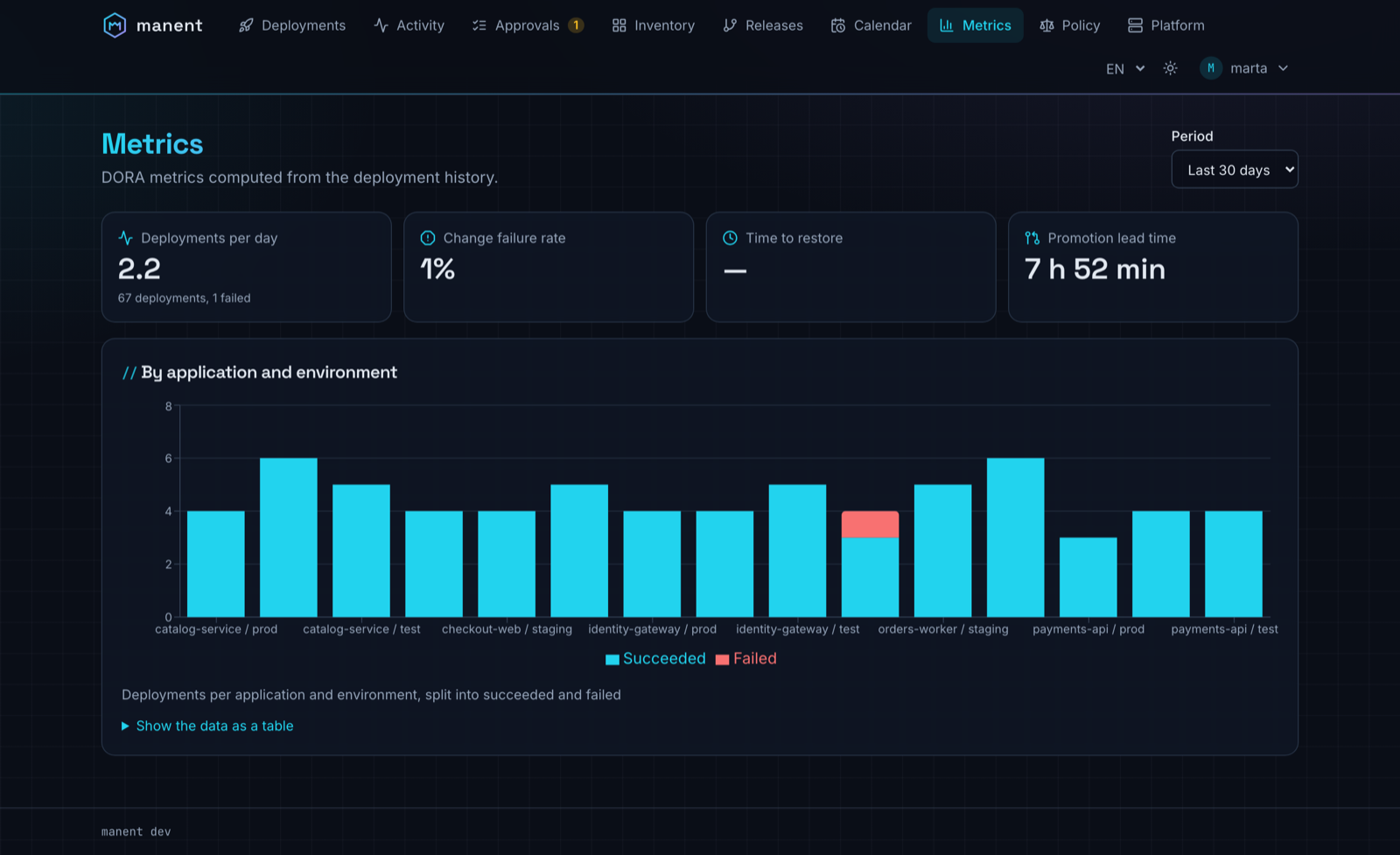
Prometheus metrics, OpenTelemetry tracing, per-deploy logs and DORA metrics. Recovery of lost workers, drain, retention, container images, Helm chart and signed releases.
How a release flows#
flowchart LR
    CI["CI builds and tests<br/>the artifact"] --> D["Descriptor<br/>what to release"]
    D --> G{"Governance<br/>promotion · approvals · freezes"}
    G --> W["Durable workflow<br/>secrets → artifact → QA → deploy → tests"]
    W --> S["Strategy<br/>all at once · waves · percentage"]
    S --> T["Targets<br/>VMs · Kubernetes · cloud · Windows"]
    W -.->|"failure"| R["Automatic rollback"]
Every phase is recorded: the deploy lifecycle explains each state, and deploy types every way a release can be triggered and rolled out.
The web interface#
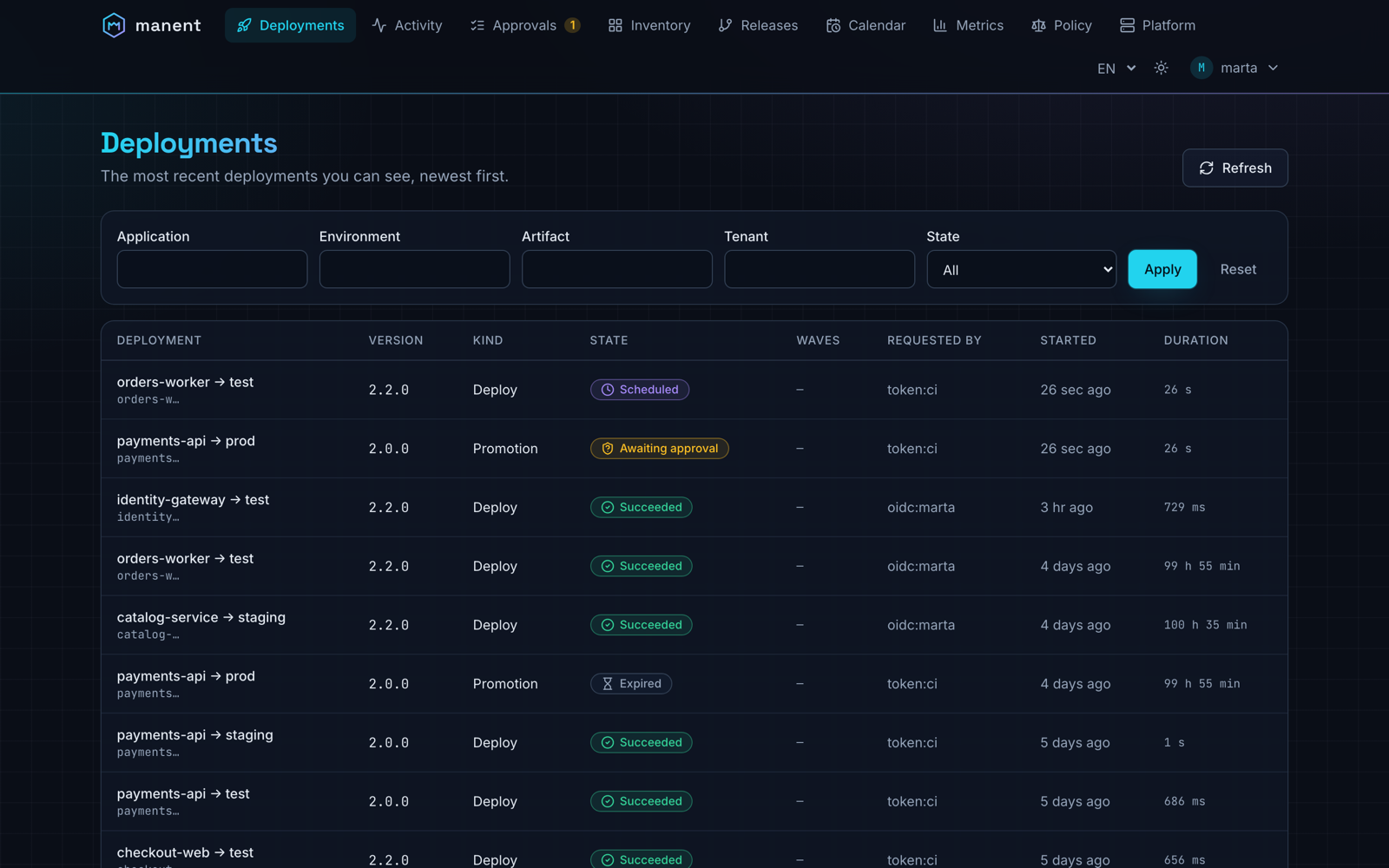
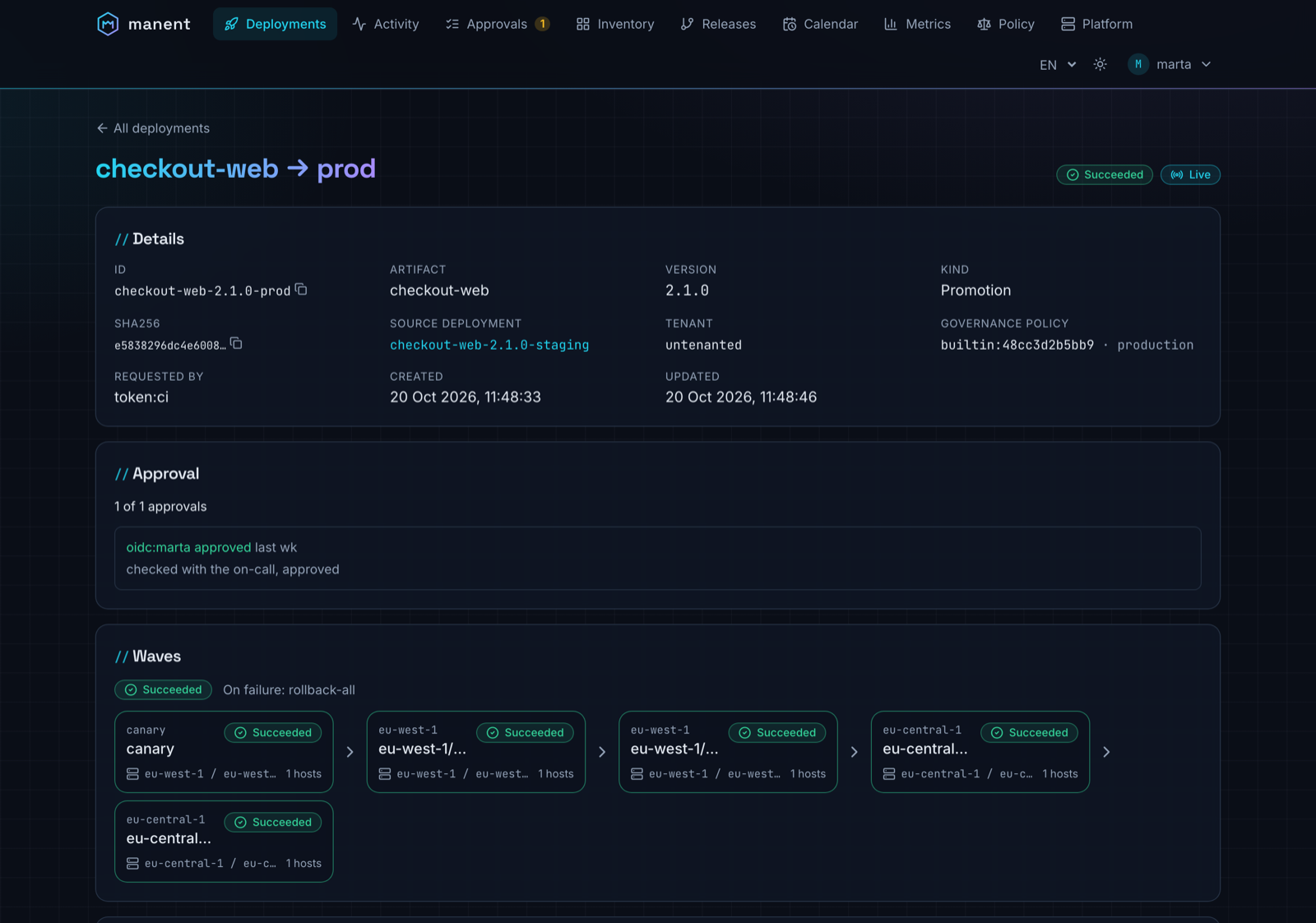
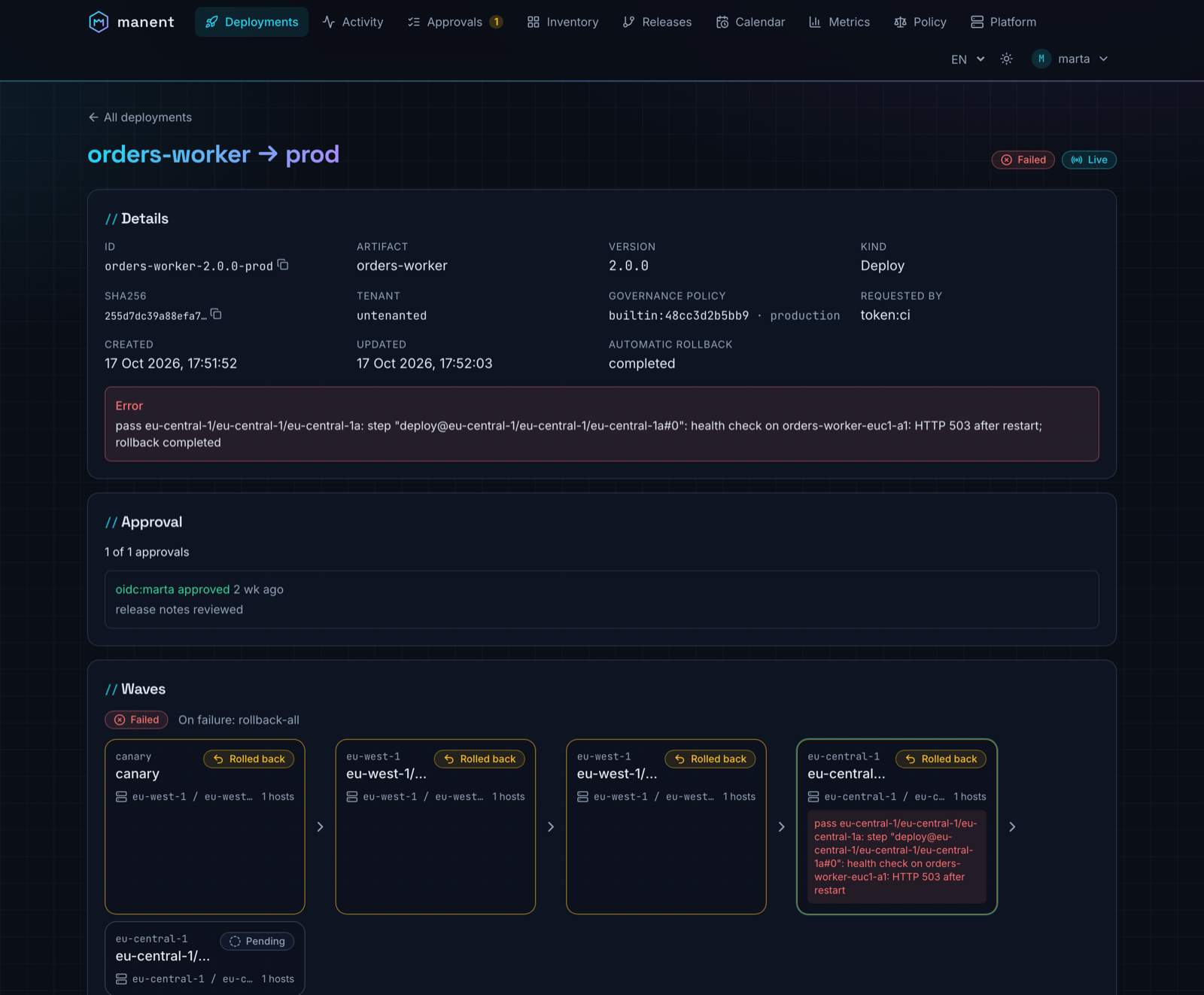
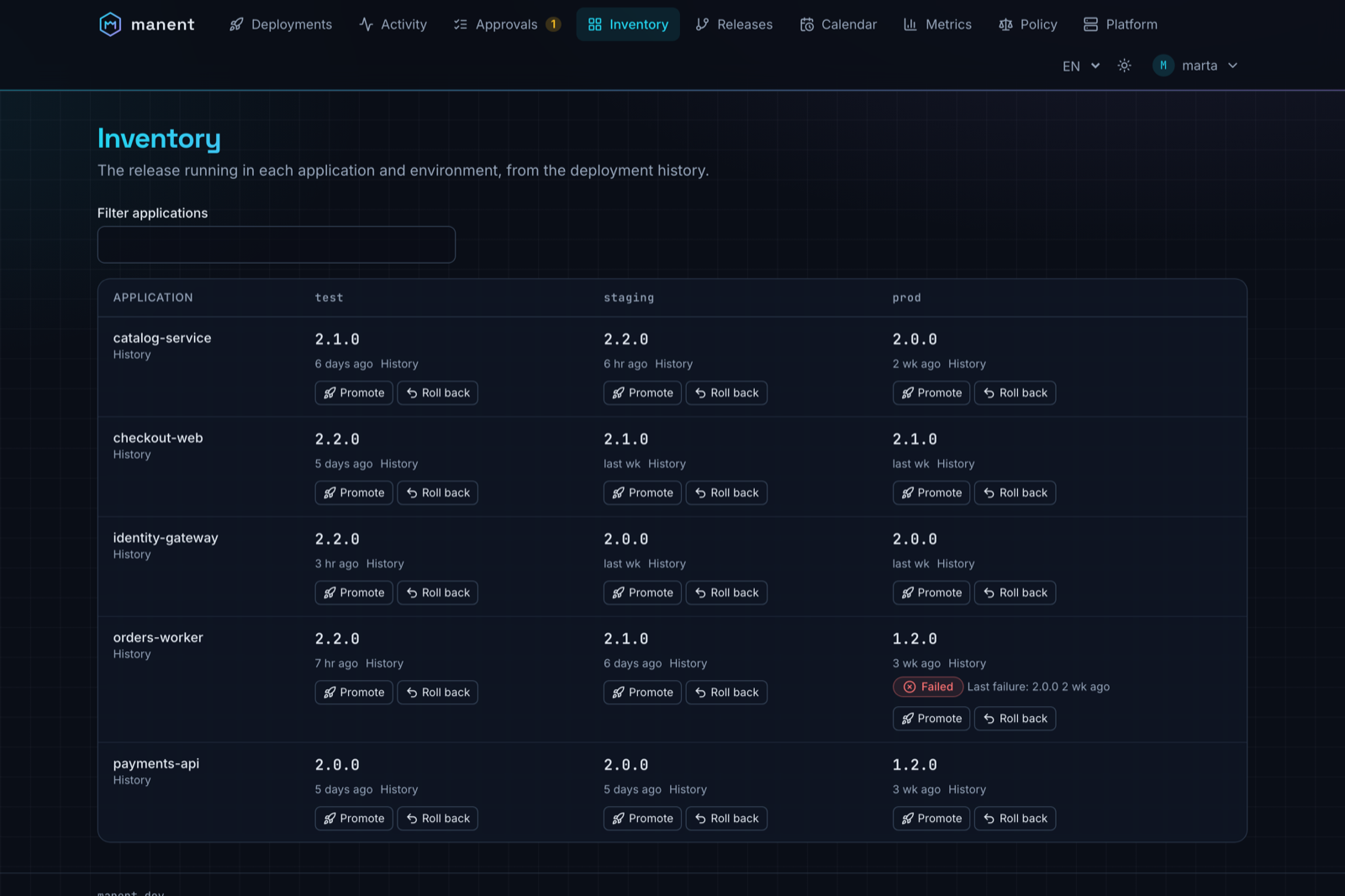
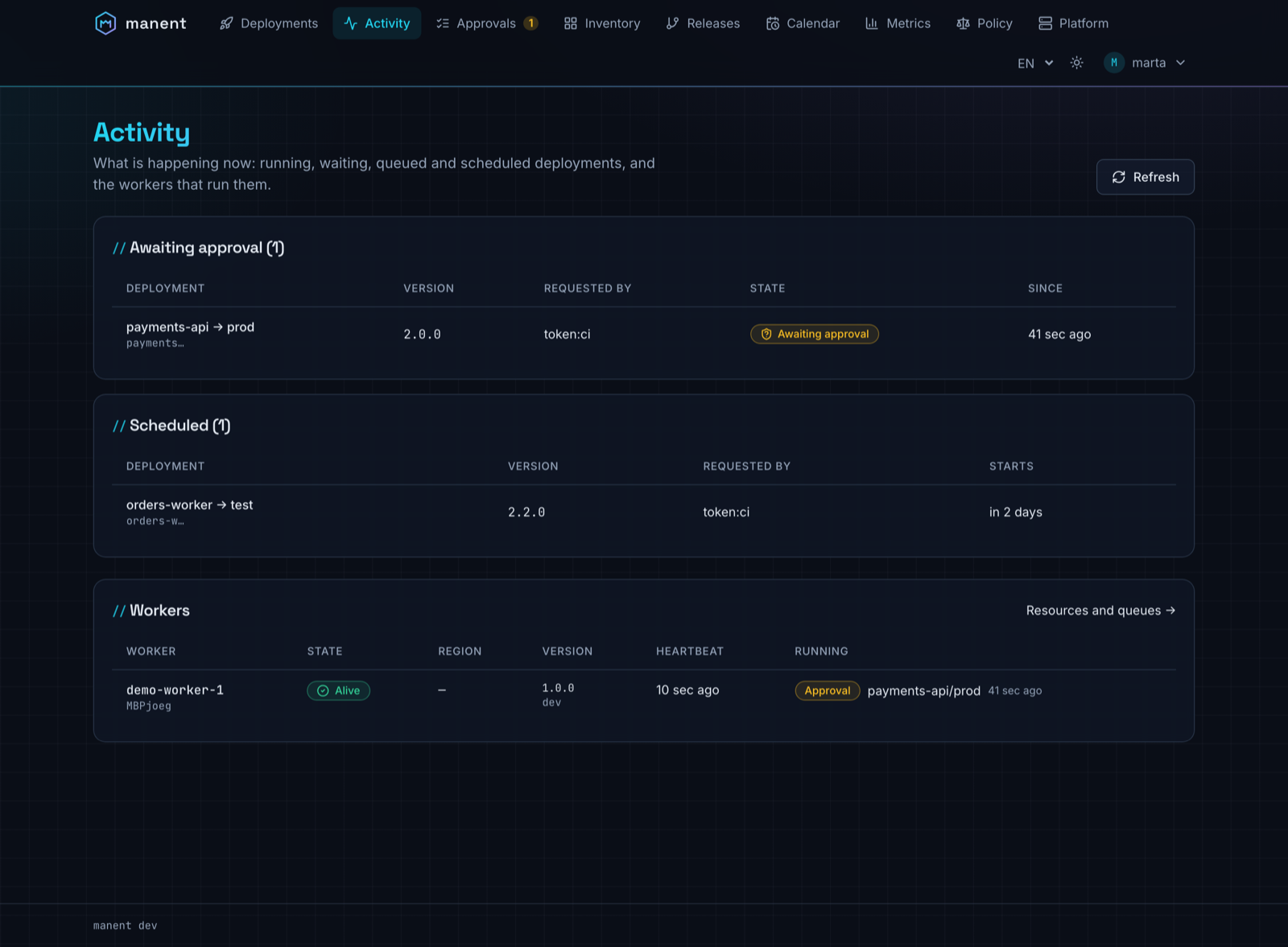
The server also serves a web interface, with the same permissions as the API: follow deploys and waves live, approve, promote and roll back, see what runs where. The screenshots come from a demo environment with five applications, three environments and four weeks of history; the web interface guide describes every view.
Where to start#
-
Seven hands-on steps, from the first deploy over SSH to Kubernetes, canary rollouts, CI pipelines and production.
-
What manent is and is not, the model, deploy types, lifecycle and the configuration layers.
-
Step-by-step setups for Slack, Teams, ServiceNow, Jira, GitHub, GitLab, Terraform, Vault, Consul, OIDC, Prometheus and more.
-
Descriptor, CLI, HTTP API,
manent-serverandmanent.yml. -
Installation, scaling, recovery, upgrades, observability and security for the platform team.
-
The built-in plugins for every platform, and how to write your own, also as a separate binary.